How to Create a Custom Taxonomy in WordPress
Categories and tags are built-in taxonomies. Custom taxonomies let you organize your content types — genres for movies, event types, documentation sections, product attributes, and more.
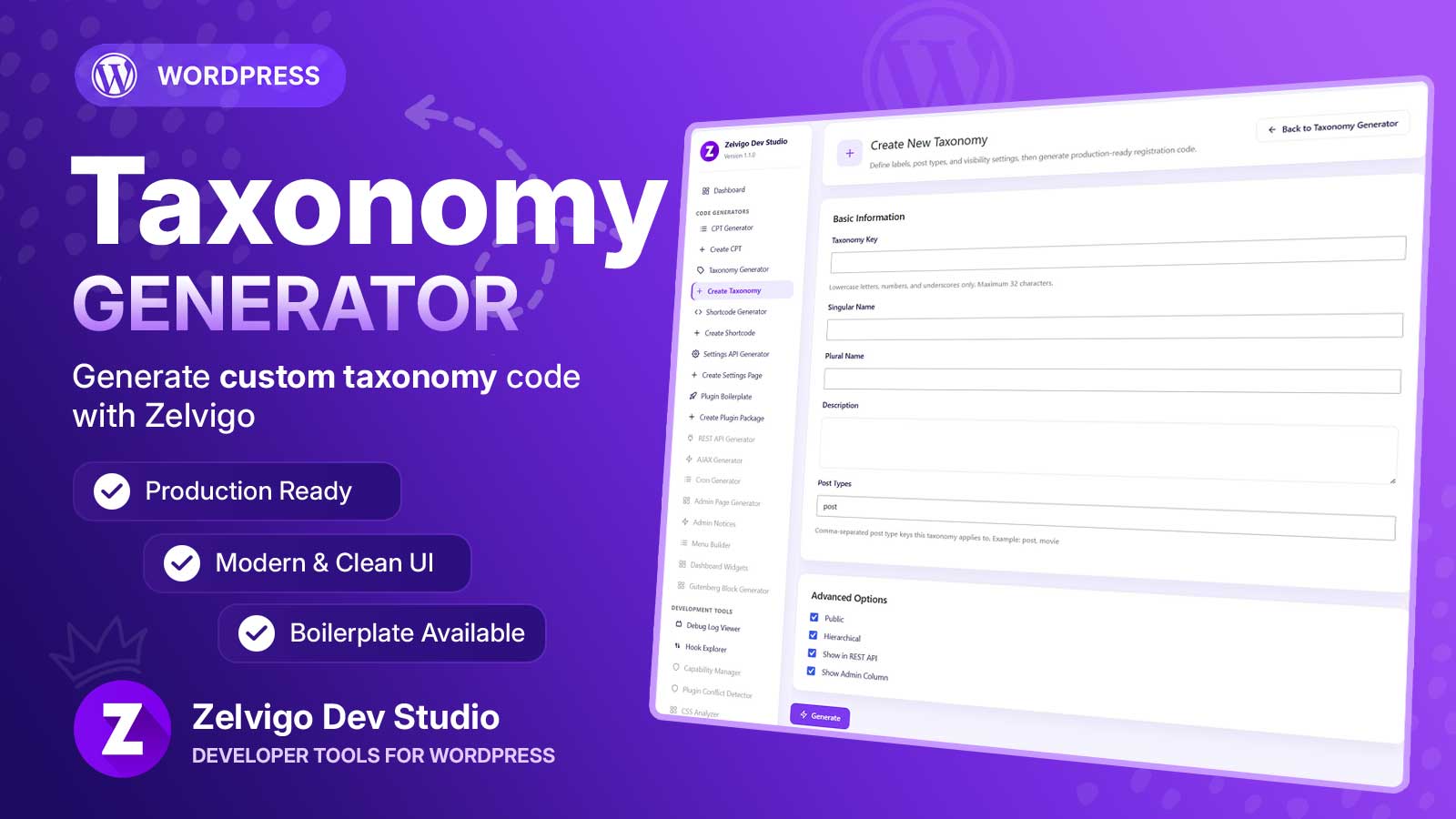
This post covers how taxonomies work with custom post types, what register_taxonomy() needs, and how the Taxonomy Generator in Zelvigo Dev Studio speeds up the boilerplate.
Taxonomy vs post type (quick mental model)
- Post type = the thing (a book, an event, a movie)
- Taxonomy = how you group those things (genre, location, difficulty)
You register the CPT with register_post_type(), then attach taxonomies with register_taxonomy() and an object type list (which post types it applies to).
Key decisions before you write code
- Taxonomy key — unique, max 32 characters; don’t reuse reserved keys like
categoryorpost_tag - Hierarchical — like categories (parents) or like tags (flat)
- Linked post types — e.g.
movie,book, or both - Show in REST API — important for the block editor
- Show admin column — display terms on the post list table
Common friction: CPT isn’t registered yet
When you build a full plugin package, you often define the taxonomy before the CPT exists on the current site. Manually, that’s awkward. Zelvigo’s Taxonomy Generator supports linking to post type keys that aren’t registered yet (with a confirmation), and accepts keys you’ve already generated in Zelvigo — useful when assembling a ZIP before install.
Generate taxonomy code with Zelvigo
- (Optional) Create your CPT with the CPT Generator
- Open Zelvigo Dev Studio → Create Taxonomy
- Enter key, labels, post types, and options
- Generate, copy PHP, or include it in a plugin package
Like other cloud generators, output is stored in Zelvigo until you paste or export it — it does not auto-register on the live site. Full steps are in the docs.
Recommended combo: CPT + taxonomy + settings
A very common plugin shape is: one CPT, one taxonomy, one settings page. Generate all three, then use Plugin Boilerplate to download one installable ZIP. See also the Settings API Generator.
Next step
Stop retyping taxonomy labels and args. Generate clean registration code, link it to your CPT, and ship the structure inside a real plugin package.