How to Create a WordPress Shortcode
Shortcodes are still one of the simplest ways to drop dynamic output into posts, pages, and widgets — especially in plugins that need a quick front-end entry point without a full block build.
Here’s how shortcodes work, what a solid callback includes, and how Zelvigo’s Shortcode Generator scaffolds the PHP so you can focus on the output.
Self-closing vs enclosing shortcodes
- Self-closing:
[my_button text="Buy"] - Enclosing:
[my_box]Inner content[/my_box]
Enclosing shortcodes pass content into your callback as a second argument. If your UI needs wrapped content, enable enclosing support from the start.
What every shortcode scaffold should include
- A valid tag (lowercase, numbers, underscores, hyphens)
add_shortcode()registrationshortcode_atts()(or equivalent) for defaults- Sanitized output / escaped HTML where appropriate
- A clear place to put your real render logic
The boring part is the same on every project. The valuable part is what you return.
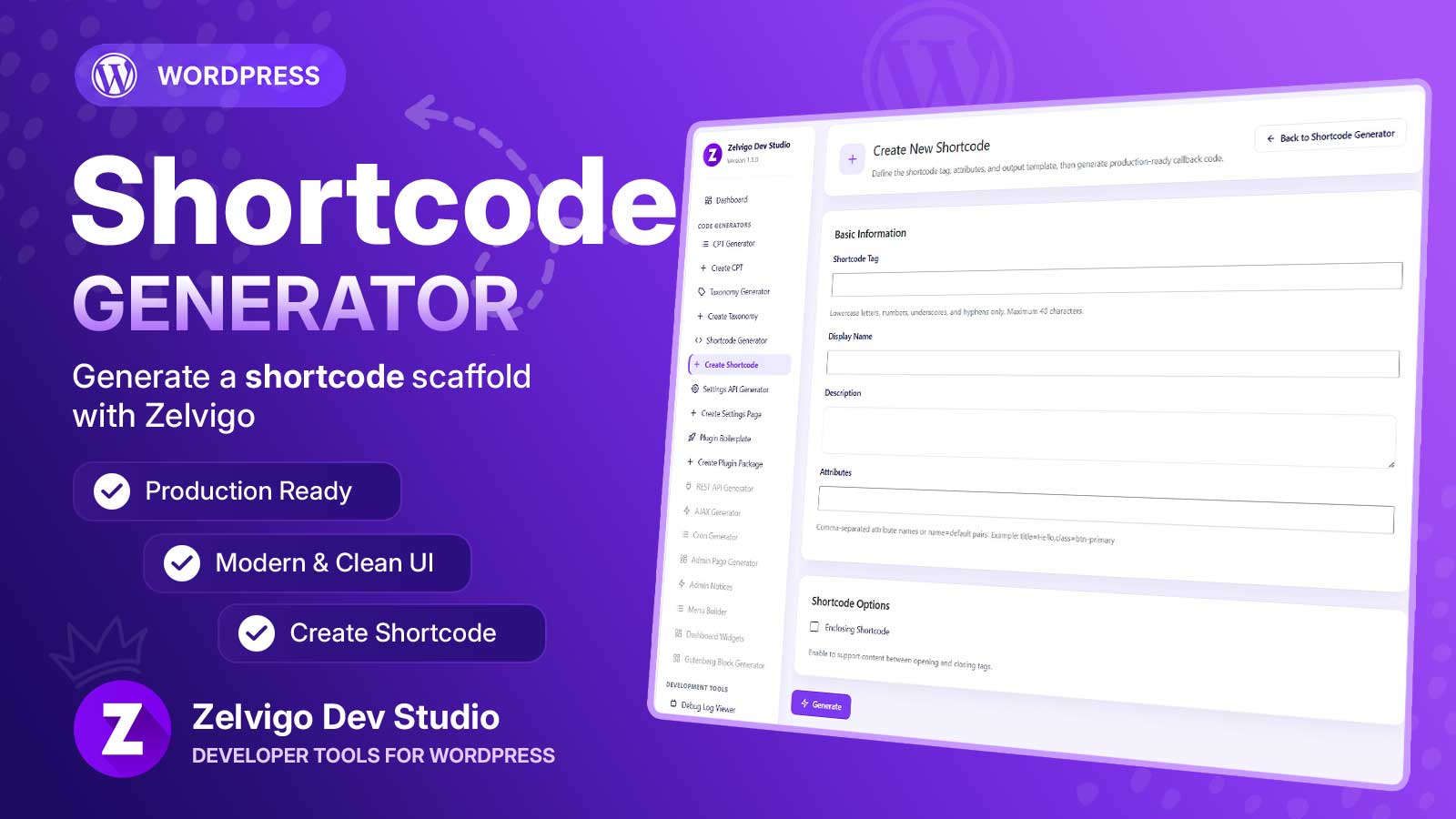
Generate a shortcode scaffold with Zelvigo
- Open Zelvigo Dev Studio → Create Shortcode
- Set tag, display name, description, and attributes (e.g.
title=Hello,class=btn) - Enable Enclosing Shortcode if needed
- Generate, customize the return section, copy into your plugin
- Or include it in a Plugin Boilerplate ZIP
More detail: Zelvigo documentation.
Tips that save support tickets
- Keep tags unique — avoid colliding with popular plugins
- Document attributes for clients (or add a settings page via the Settings API Generator)
- Prefer returning HTML over echoing, so shortcodes work in the content flow
Next step
Generate the callback scaffold, then spend your time on markup and business logic — not rewriting shortcode_atts again.